

From the manufacturer

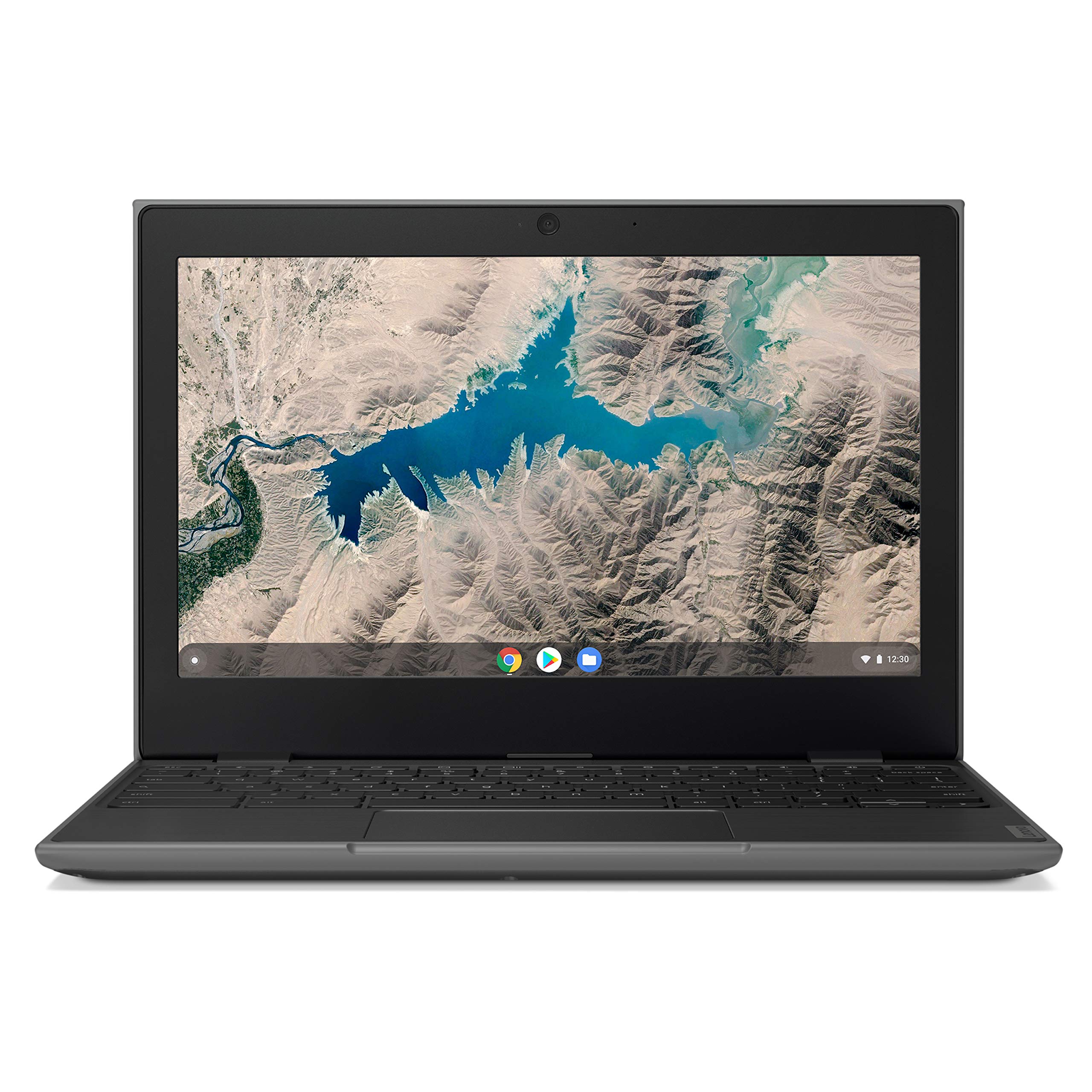
This 11.6” Chromebook is light, portable, rugged, and productive – the ultimate everyday learning tool. It brings Google Classroom, G Suite for Education, and today’s most popular education apps to students and teachers, making digital education accessible and enjoyable, and it does so on a budget..

Powered for teaching
Works almost as hard as a teacher does
With its MediaTek MT8173C processor, the 100e seamlessly runs the Chrome OS operating system and apps from the Chrome Web Store and the Google Play Store. Students can easily multitask, with various windows open for apps and the browser at the same time.
Classroom Durability

Tested classroom-tough
Teachers who say the classroom feels like a battleground, take heart – this classroom tool has military-grade durability. Built tough with rubber bumpers, reinforced ports and hinges, and a keyboard that can face whatever its users can dish out. It’s also drop-resistant up to 29.5 inches (75cm).

Keyboard withstands all hands
The full-sized keyboard includes a sealed touchpad and resists spills of up to 1.39 cups (330 ml). And its mechanically anchored keys stay put – no excuses for not doing the latest assignment
Student Friendly
-

Collaborate from across the room or anywhere
Take advantage of the front-facing 720p HD camera. Whether videoconferencing or talking to a classmate on Google Hangouts it will bring them together to make learning a collaborative process.
-

Homework never looked this good
Students will spend a lot of time looking at the 11.6-inch HD screen; its antiglare technology reduces eye strain and allows them to look at it even longer.
-

Leave the charger at home
With up to 10 hours of battery life, the 100e lasts an entire school day and more. Students can work a full day, bring it home, plug it in, and let it recharge overnight for the next day’s classes.
-

Keeps students connected
The 100e is equipped with two USB-C ports, for fast connectivity and also battery charging. It also has two USB 3.0 ports, 2 x 2 AC WiFi, Bluetooth 4.2, and a Micro SD card reader.
Share and sync with G Suite for Education
A suite of free productivity tools available on the 100e, G Suite for Education. Students and teachers can interact seamlessly and securely, staying synced across devices.
Experience ultimate productivity: communicate your way, connecting via email, chat, or videoconference; collaborate anywhere, co-editing files in real time; and manage all of your tasks, building to-do lists, scheduling tests, and creating homework reminders. Bring cohesion to your online classroom.


Get organized with Google Classroom
Teachers can use Google Classroom on the 100e to save time, keep classes organized, and improve
communication with students. The app streamlines assignments and boosts collaboration to make teaching more productive and meaningful, see everything in one place.

Chromebook fleet management
School IT administrators, never fear! Chrome Education license offers more than 200 policies. You can update 100 or 100,000 devices without ever touching one of them. Configure which applications and extensions teachers and students receive, and manage different plugins.