

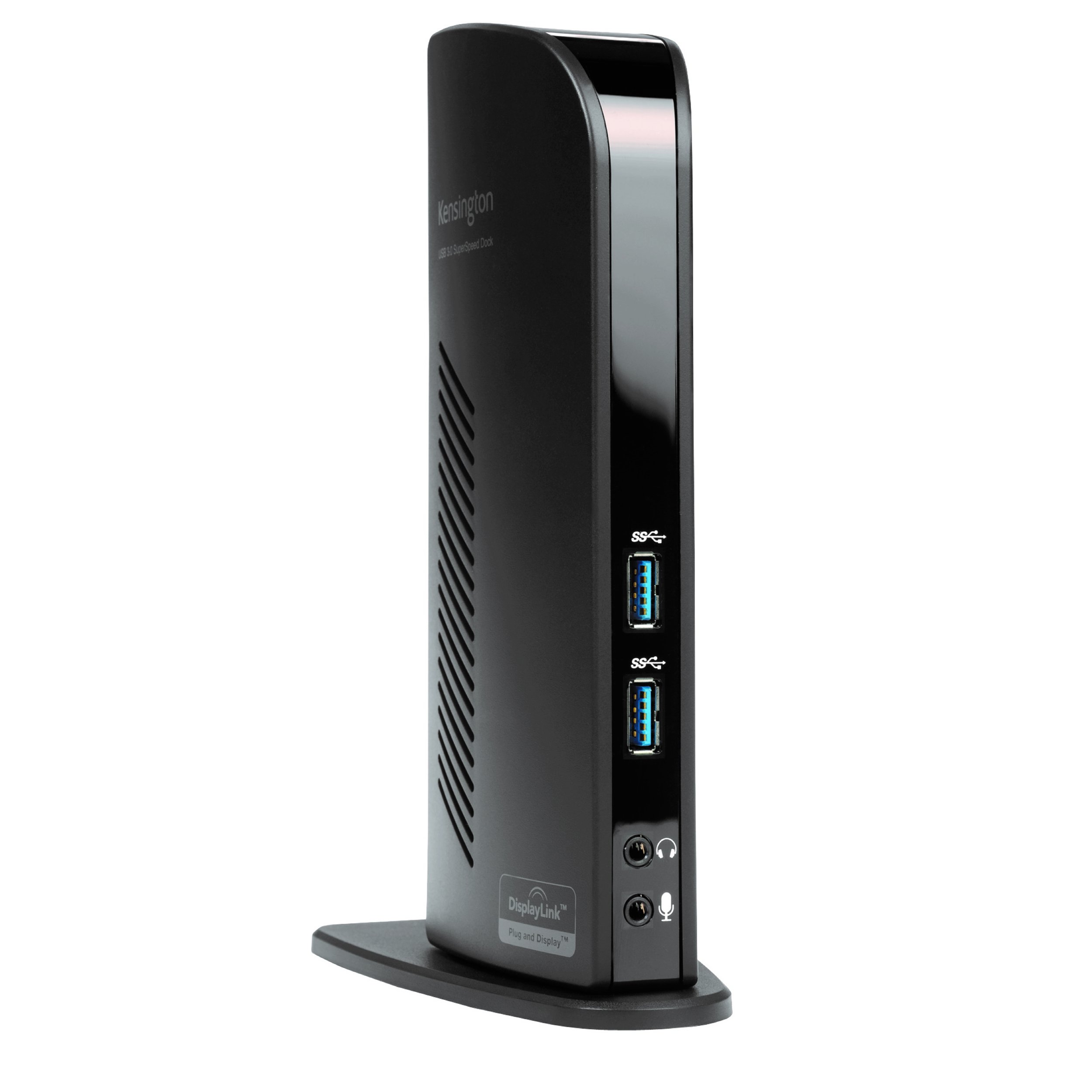
From the manufacturer


- Optimized for Windows laptops and convertibles to turn one USB port into 6
- Also compatible with the Microsoft Surface Pro
- High-speed data transfer of up to 5 Gbps
- 1080p HD video for high quality video
- Audio 2.0 for enhanced sound
Ultra-thin laptops and 2-in-1 convertibles like the Microsoft Surface Pro offer great mobile productivity and sleek good looks. But that also means they usually come up short on connectivity ports. As a result, you\’re constantly plugging and unplugging peripherals. That\’s where the SD3500v USB 3.0 Universal Docking Station comes in. It turns one USB port into six so you have access to all your peripherals, including keyboard, mouse, printer and external hard drive. And with dual HD video output, you can add two external monitors to boost productivity. The dock\’s two USB 3.0 ports support super-speed data transfer of up to 5 Gbps.
Connect Two Additional Monitors with 1 DVI Out and 1 HDMI OutConnect a DVI monitor to the DVI port or use the included DVI-VGA adapter to connect a VGA monitor. If you have an HDMI monitor, connect directly into the HDMI port. You can also connect a second HDMI monitor to the DVI port using the included DVI-HDMI adapter. You can run both ports simultaneously. |
Extend ModeAllows you to share your whole desktop across multiple screens so you can view and work on multiple applications at the same time. |
Clone ModeAllows you to replicate the same content on your secondary display as you do on your laptop screen. |


2 Front USB 3.0 PortsTwo super-speed USB 3.0 ports are ideal when you want to transfer data from another device. Headphone and microphone jacks are also conveniently placed on the front of the dock. |
4 Rear USB 2.0 PortsConnect your peripherals with 4 USB ports strategically located on the back of the dock to help keep your printer, keyboard and mice cables or wireless receivers hidden from view. |
About KensingtonFor more than 30 years, Kensington has been the brand that schools and businesses choose when they need innovative products and superior security solutions for protection and productivity. This product has been designed with high-quality components that exceed industry testing standards so it’s built to last and will work safely with your devices. |


 |
 |
 |
|
|---|---|---|---|
| USB-A | USB-C | Thunderbolt 3 | |
| Operating System | Windows 7/8/10, macOS 10.13 or later | Windows 7/8/10; macOS 10.10 or later; Chrome OS | Windows 7/8/10 and macOS 10.12 or later |
| Video Output | HDMI, DVI, VGA (via adapter) | HDMI, DisplayPort | Thunderbolt 3, HDMI, DisplayPort |
| Video Quality | Dual 1080p Full HD | Single 4096×2160 (4K@60 fps); Dual 4K@30 fps (dual monitor support available only on Windows) | Dual 4096×2160 (4K@60 fps) |
| USB 3.0 Ports | 2 (Plus 4 USB 2.0 Ports) | 3 (including 1 2.1A fast charging port) | 2 (including 1 2.1A fast charging port) |
| USB-C Ports | – | 2 (including 1 60W PD port) | 1 (5Gbps port with 15W), plus 2 Thunderbolt 3 Ports (1 85W port, 1 15W port) |
| Zero Footprint Mountable | – | ✓ | ✓ |
| GB Ethernet & Audio In/Out | ✓ | ✓ | ✓ |
| Kensington Security Slot Built-In | ✓ | ✓ | ✓ |